Enhance Accuracy with REALITi 360 v11.20.0 Update
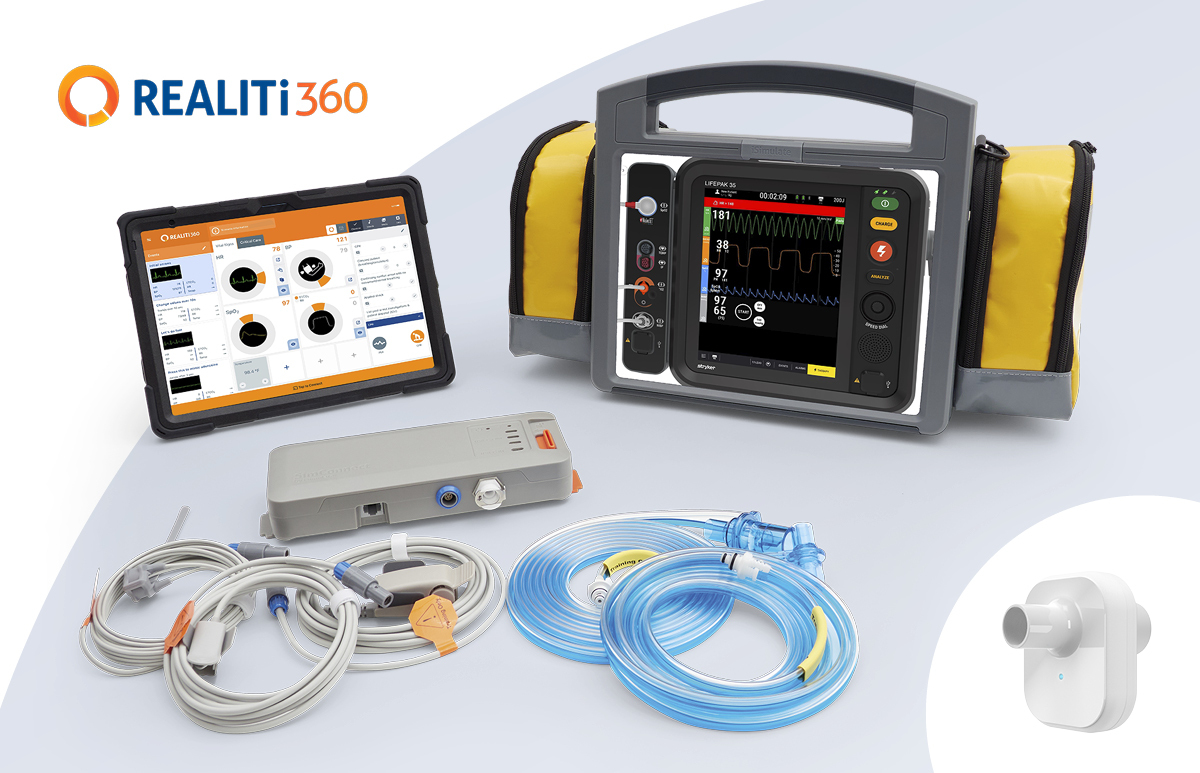
REALITi 360 Version 11.20.0
Latest Improvements
SimOccluder
- Released SimOccluder firmware version 1.1.0 to improve performance, reliability, and stability, including refined internal processes for a smoother and more consistent experience
- Updated the SimOccluder logo to reflect the latest branding
SimConnect
- Updated SimConnect firmware to version 1.4.0, adding Event Config logging to improve device logging and performance
Atlas
- Refreshed Adult, Junior, and Baby icons in the Atlas Connection Panel for improved clarity and consistency
- Released Atlas Baby firmware version 1.5.1 to enhance performance and reliability
- Added clearer pulse strength descriptions in manikin settings: 0 – Pulseless, 1 – Weak, 2 – Normal, 3 – Bounding
Corpuls
- Fixed an issue where the Analyse and Shock keys did not respond as expected; both now correctly open defibrillator mode
- Resolved an issue where C3 soft keys became inactive after switching from pacing to Monitor mode; controls now remain active
Zoll X Advanced
- Unified Advanced Settings for ZOLL X and ZOLL X Advanced into a single, consistent configuration view. Automatic NIBP and Medication List settings are now included within the shared experience.
- Added a “Default Lead” setting to select Pads or a specific ECG Lead as the startup default across all monitor modes. Pads remain the default unless changed. If Pads are turned off, the monitor defaults to Lead II for ECG display.
Scenarios
- Fixed an issue where shared scenarios received by email did not open correctly. Shared scenarios now launch the app, import successfully, and display a confirmation message.
Multiple Screens
- Enhanced the code preview screen with improved keyboard visibility, automatic uppercase entry, confirmation before deletion, visible expiry dates, and dynamic list sizing.
Multiple Hardware
- Improved firmware update handling during active scenarios. Scenarios now pause automatically when the firmware screen appears and resume afterward. Firmware prompts no longer shut down scenarios or cause black screens, and updates can be completed without losing progress. The “slide to exit” gesture is disabled while the firmware screen is visible to prevent accidental interruption.
Generic Screen
- Improved Generic screen HR and PR behavior. HR displays as dashes when ECG is unavailable, automatically switches to PR monitoring, links alarms to PR when HR is off, and flashes PR values when exceeding alarm limits.
iSimulate Community
- Resolved an issue where “Import from REALITi” did not respond during media import
Camera
- Corrected an issue causing the Video Module display to appear upside down. Recordings now display with correct orientation, and previewed and saved videos match the live feed.