

<img height="1" width="1" style="display:none" src="https://www.facebook.com/tr?id=961978087954732&amp;ev=PageView&amp;noscript=1">

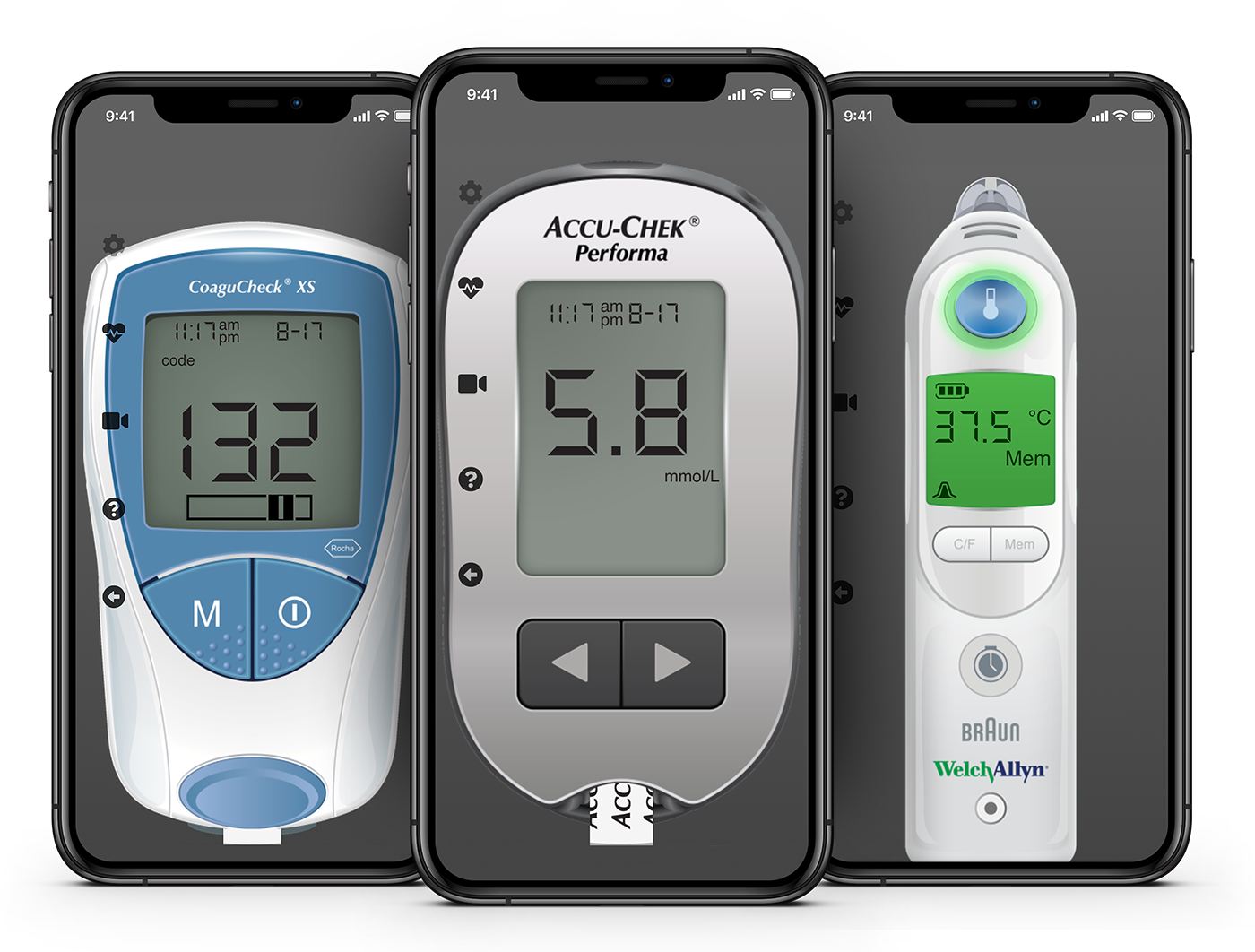
Available Devices

Glucometer

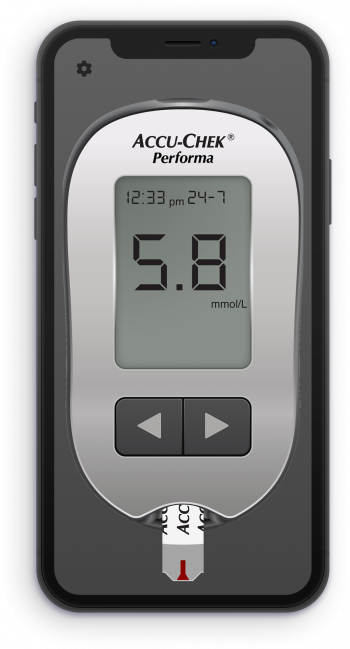
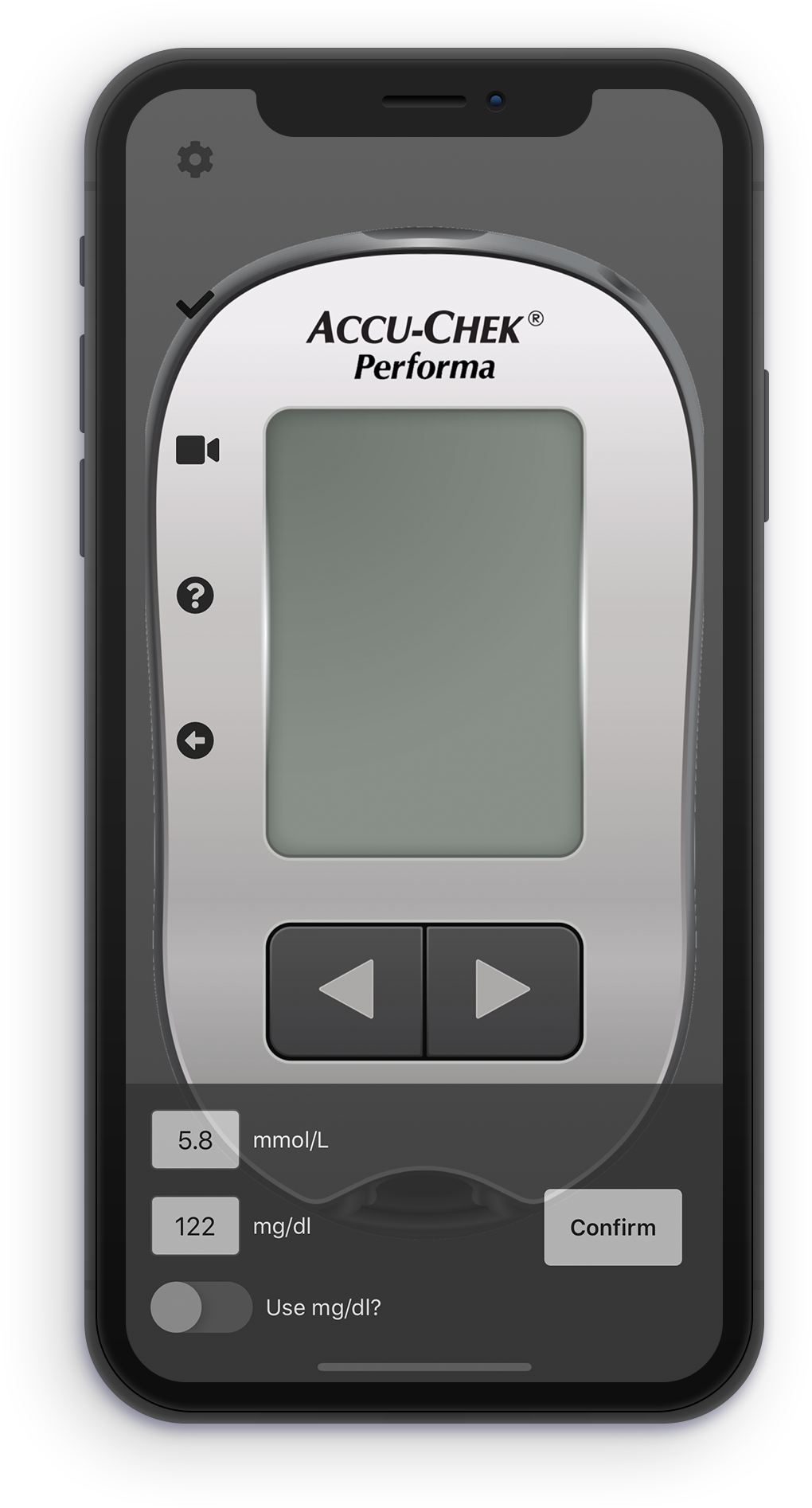
Accu-Chek Performa II Simulation

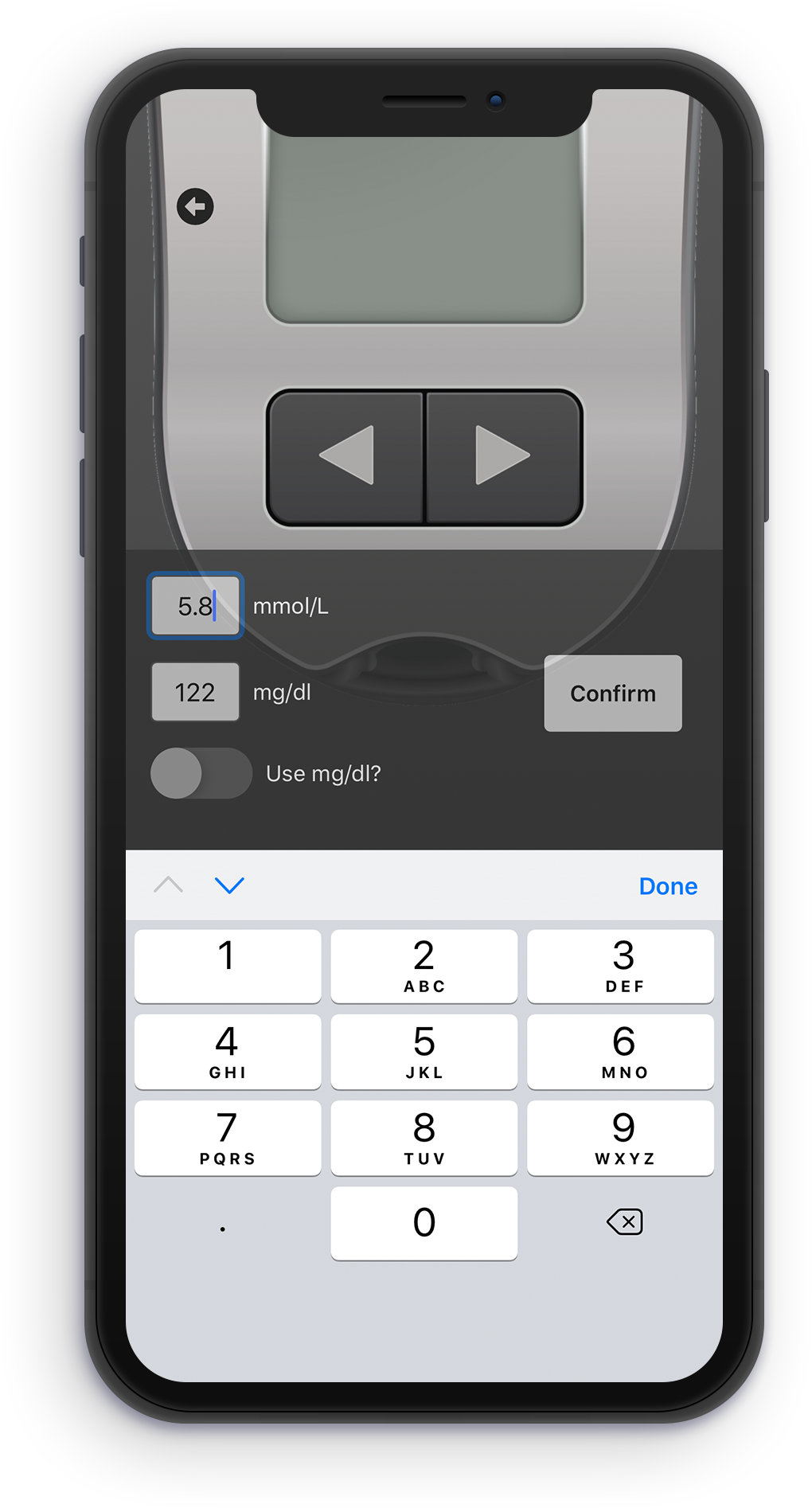
The simulated devices offers 2 options for display units - mmol/L and mg/dl. Once the instructor has entered the desired values for the simulation, they simplay tap on “Confirm” and “Hide Settings” and hand the device to the student to start the training.
CoaguChek

Coaguchek XS Simulation

Once the instructor has entered the desired INR value to be shown, they simply tap on “Confirm” and “Hide Settings” and hand the device to the student to start the training.
Thermometer

Welch Allyn SureTemp Plus 692 Simulation

The instructor enters the temperature to be shown, then they simply tap on “Confirm” and “Hide Settings” and hand the device to the student to start the training.
AR Thermometer

Welch Allyn Thermoscan Pro 6000 Simulation

The instructor chooses either the C or F box to use degrees Celsius or Fahrenheit, enters the values to be shown and then simply taps on “Confirm” and “Hide Settings” and hands the device to the student to start the training.

Available Devices

How it Works?

iPhone Set

Set

Set the desired measurement

iPhone Save

Save

Confirm the measurement

Train

Train

Hand the device to the trainee

Looking for more?

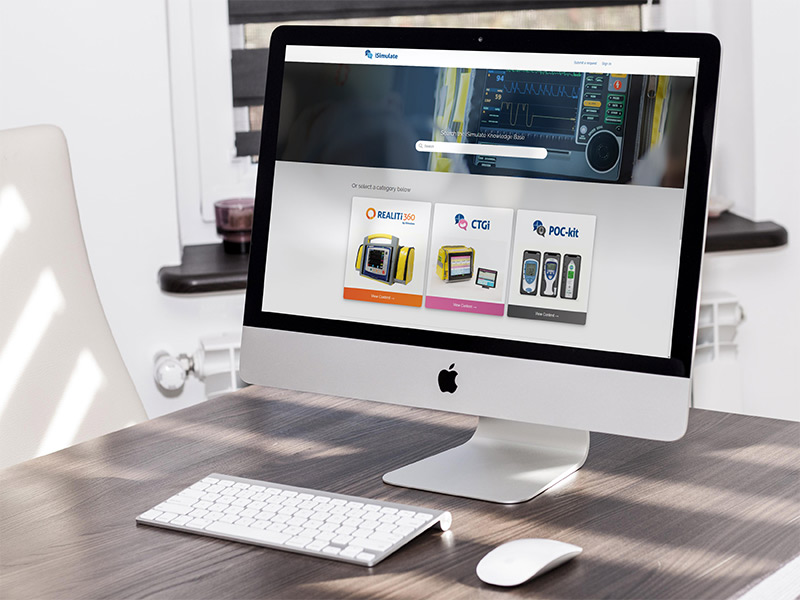
The iSimulate Knowledge Base contains user guides and videos to assist with the setup and running of POC-kit and the whole family of iSimulate products.

kb promo

Contact iSimulate

Reach out and let us show you what we can do