
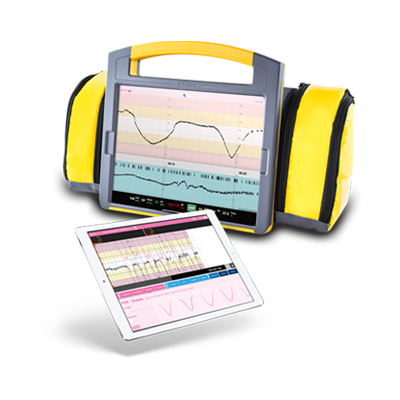
CTGi -Fetal Monitoring System
A simple, effective fetal heart rate monitor simulator used for training in obstetrics. CTGi helps educators teach interpretation of fetal heart traces and enhances decision-making in maternity care.

Explore CTGi
Facilitator
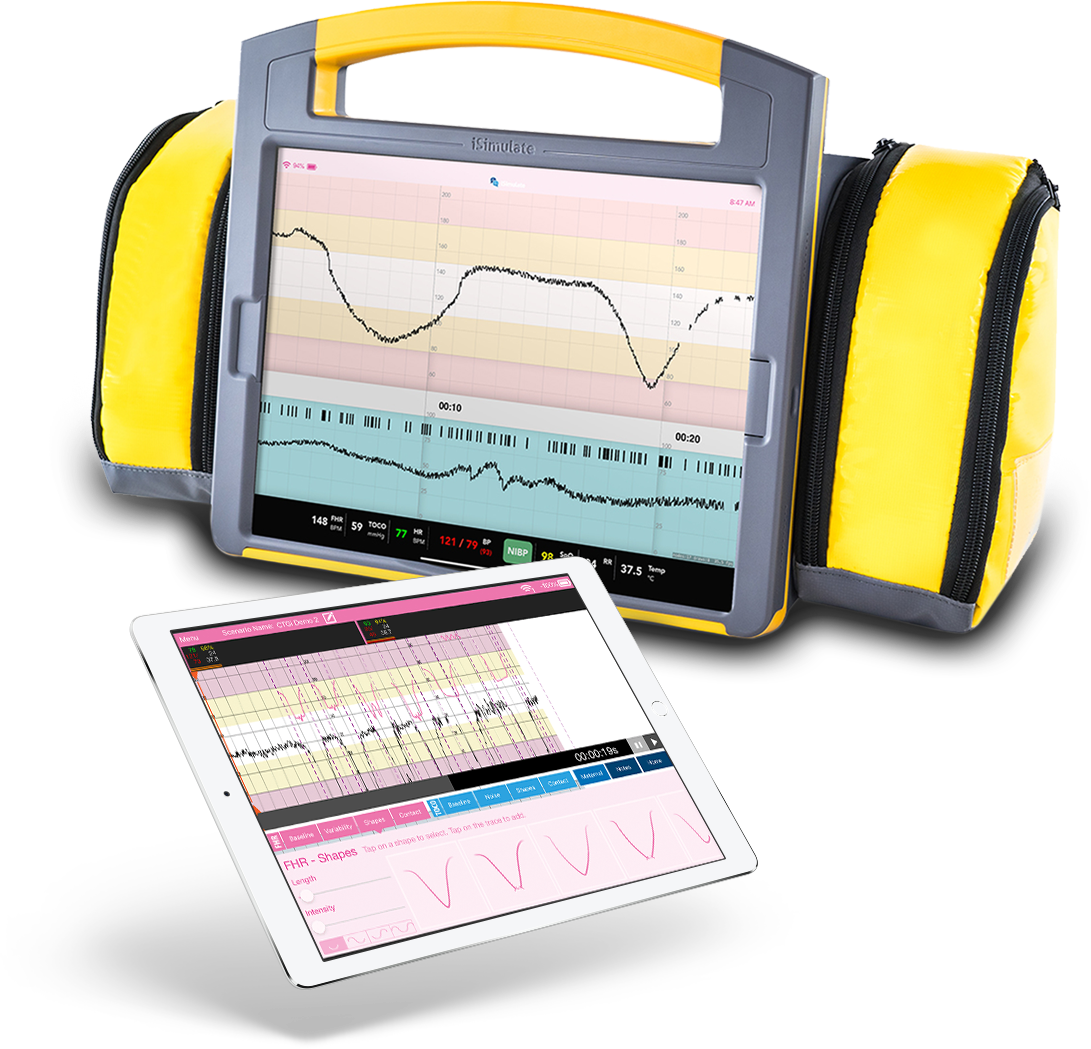
Create hours of traces with ease with an intuitive interface
WiFi Direct
Reliable connectivity
Case
Bespoke lightweight hard case - designed and created by iSimulate
Monitor
Fetal hear rate trace and sounds. Maternal tocograph and vital signs
Realistic
Customise display with different graph papers
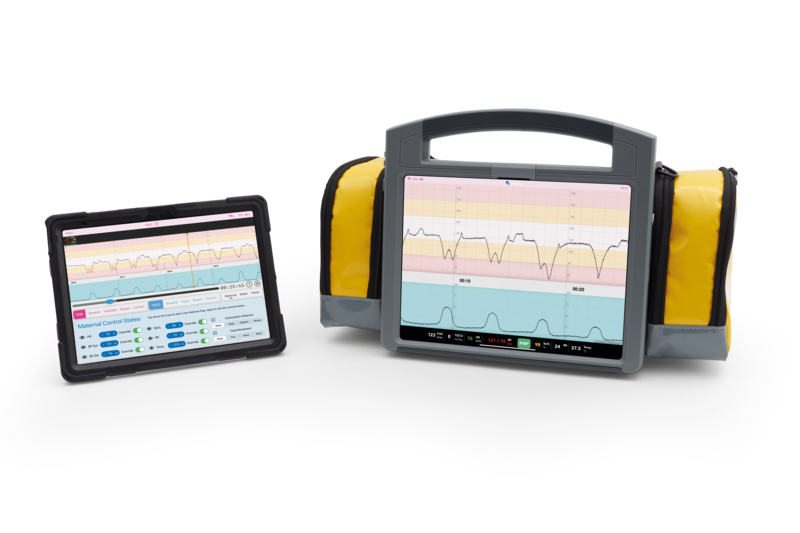
CTGi is an economical, highly advanced and realistic fetal heart rate monitor simulation package. Using just two iPads, the lightness and simplicity of CTGi makes it ideal for in-situ training.
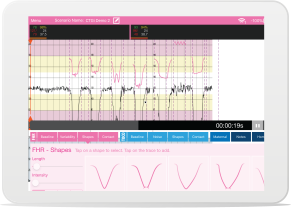
Facilitator
Create hours of traces with ease with an intuitive interface

WiFi Direct
Reliable connectivity
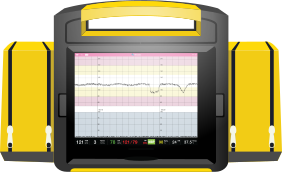
Case
Bespoke lightweight hard case - designed and created by iSimulate
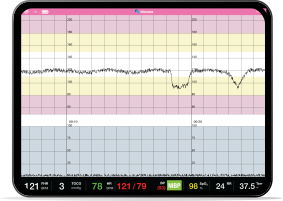
Monitor
Fetal hear rate trace and sounds. Maternal tocograph and vital signs
Realistic
Customise display with different graph papers
Realistic Function and Detail
CTGi allows you to create realistic traces with exceptional detail.
-

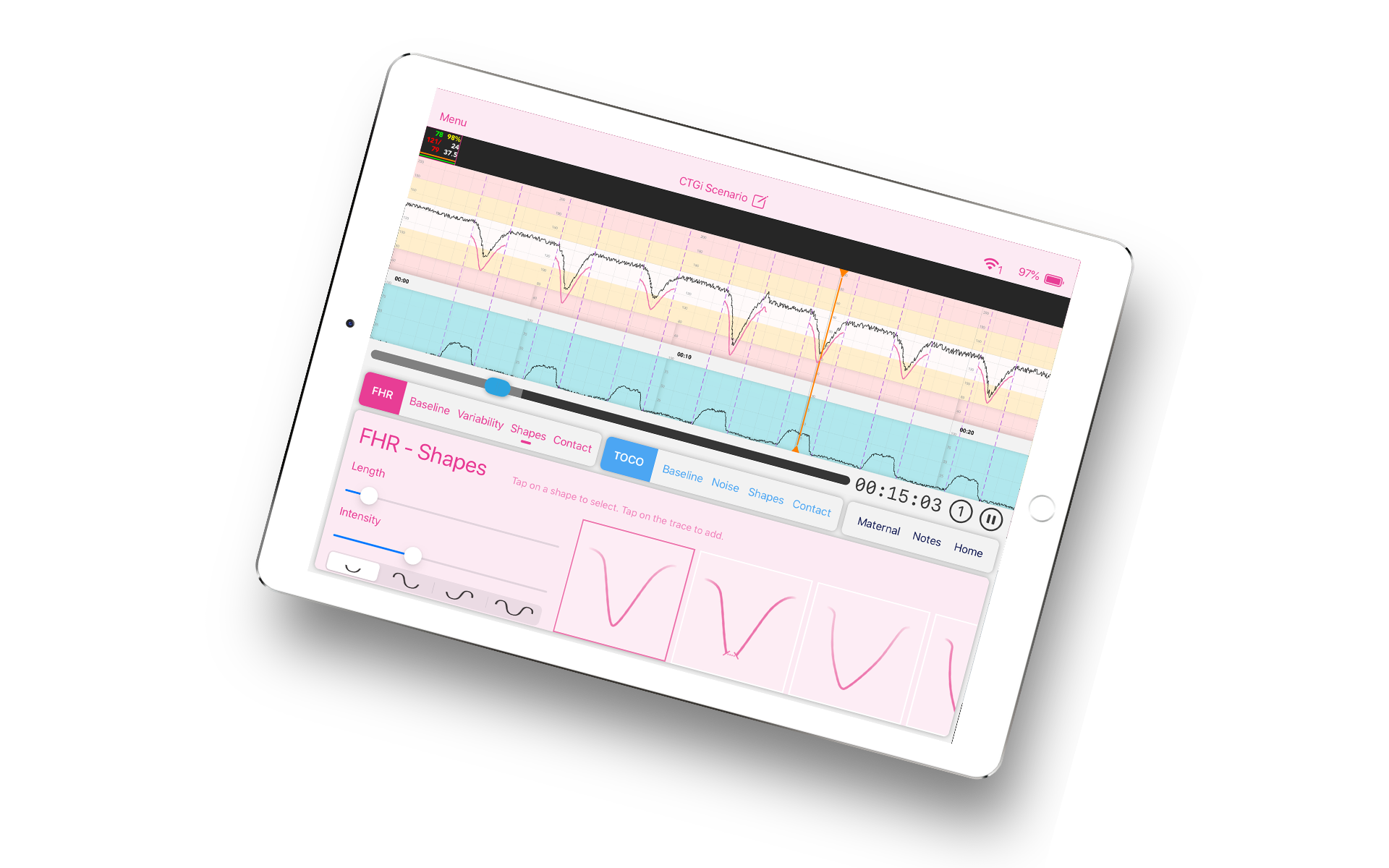
Add decelerations, accelerations and contractions with ease.
-

Manage maternal vitals
-

Pause, rewind and fast forward with a swipe
Versatile
From table top to immersive simulations, CTGi can be used in many different teaching modalities.
-

Incredibly realistic platform to learn from.
-

Interactive control iPad creates traces with ease.
-

Use CTGi to create hours of traces
The only limit is your imagination
The capability of CTGi is more than the sum of its parts.
-

Turn your low fidelity situation into high fidelity simulation
-

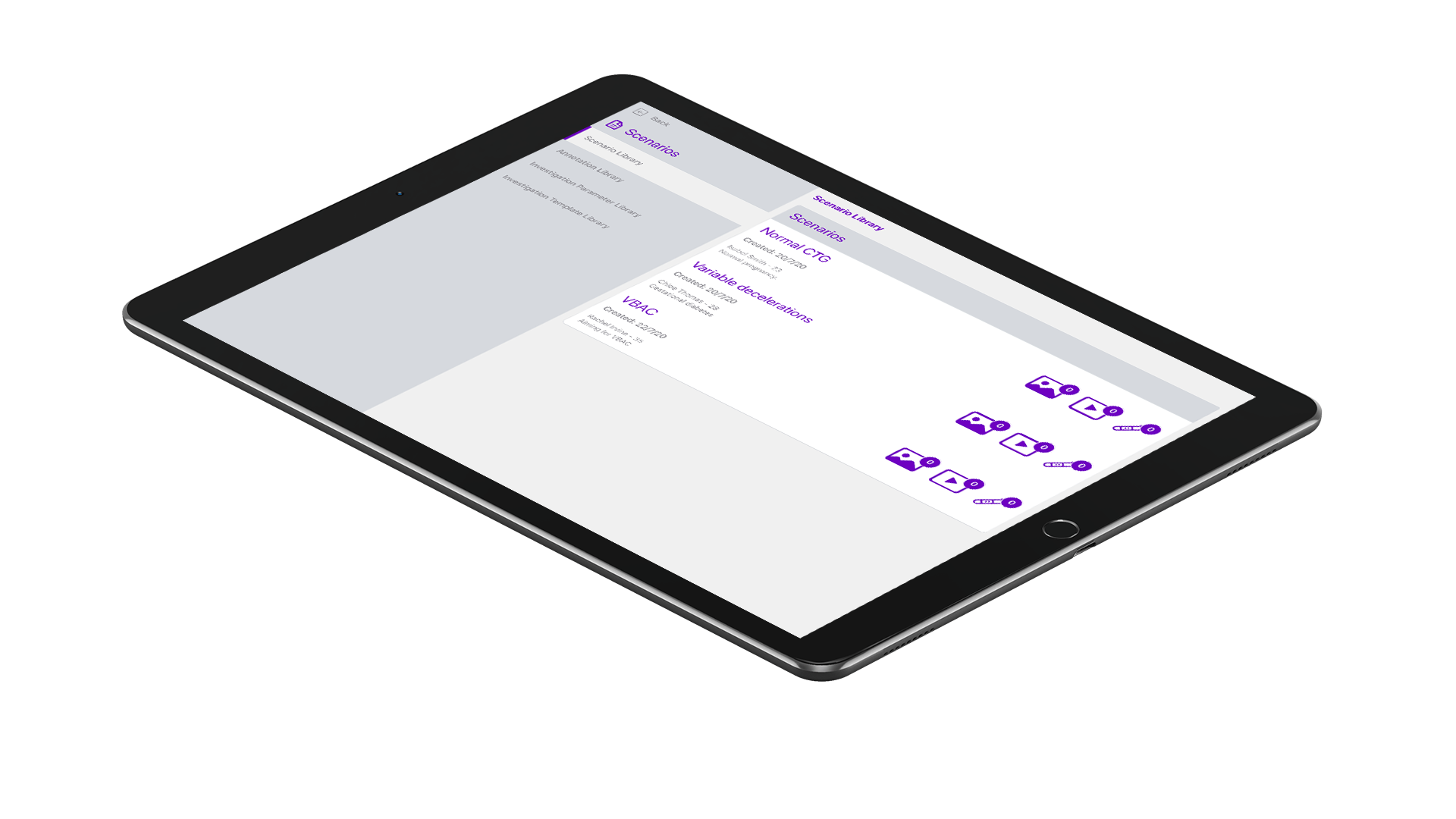
Name, save and replay scenarios and traces for teaching
-

Review, annotate and teach
Looking for more?
The iSimulate Knowledge Base contains user guides and videos to assist with the setup and running of ATLAS and the whole family of iSimulate products.